A selected kit gives the email agent your visual identity and writing guidance. During initial setup, maxinja can extract a kit from your website; afterward, agents use that context to build and personalize email.
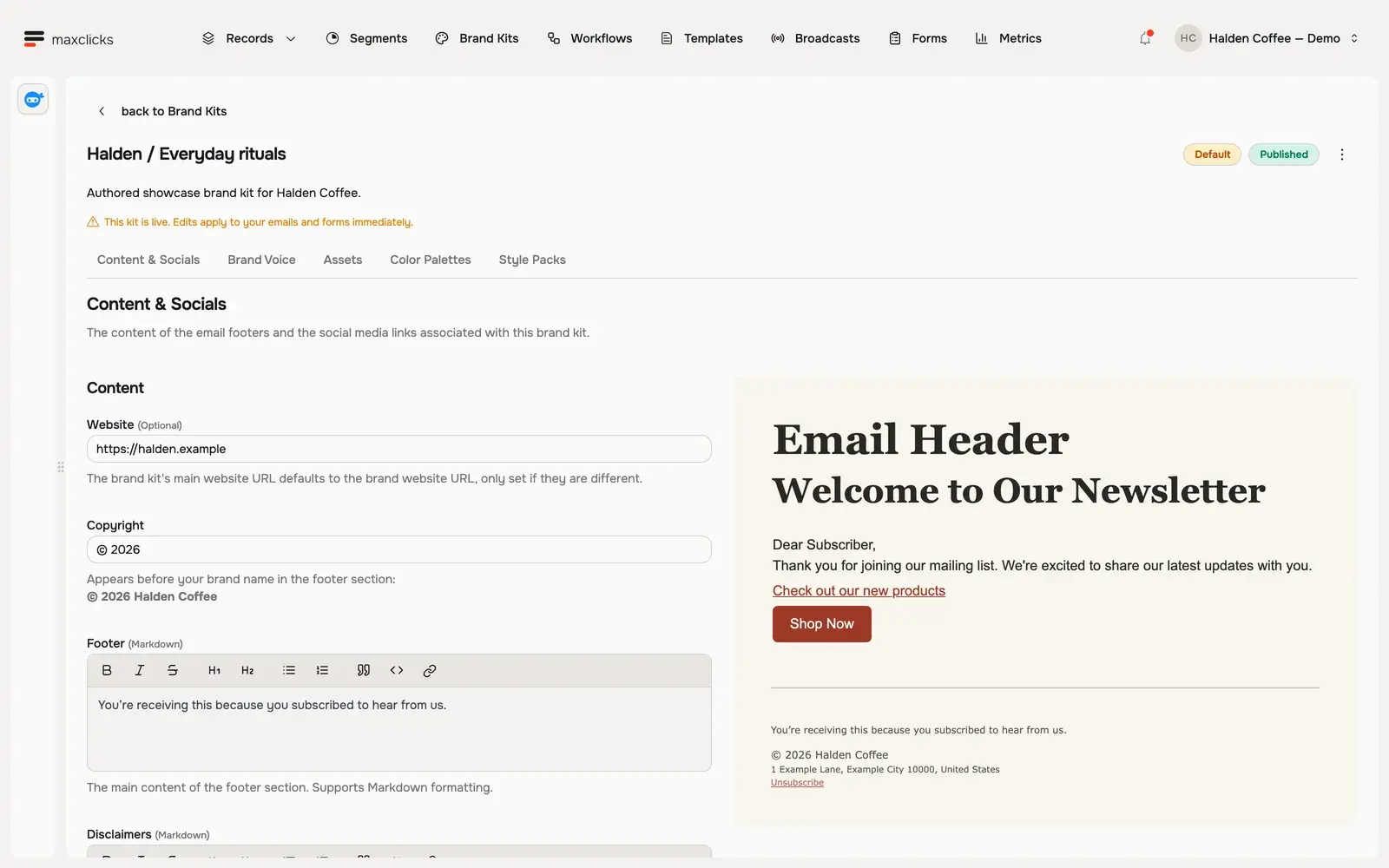
Halden demo · Published brand kit with website and footer content beside its brand preview.Walkthrough steps
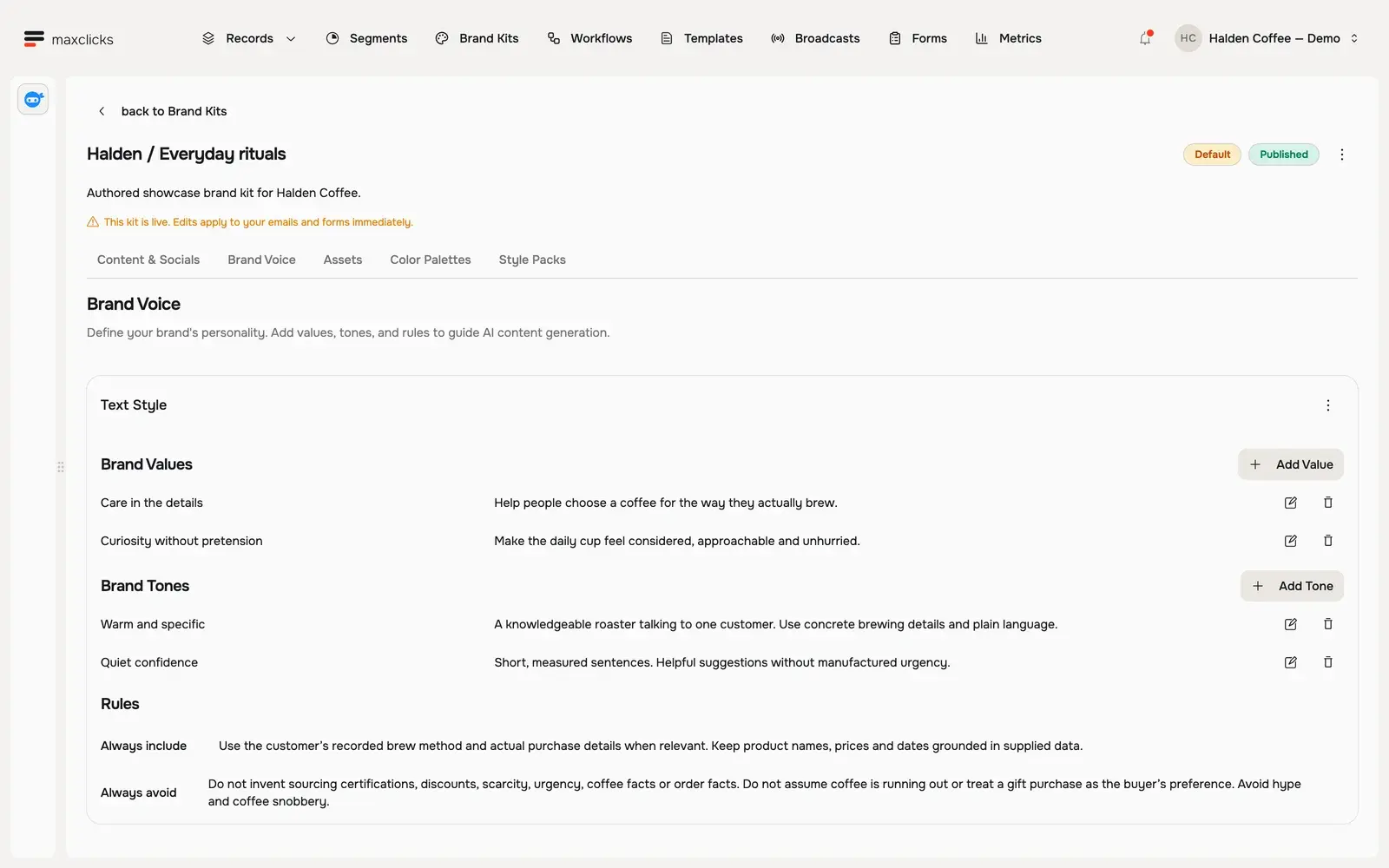
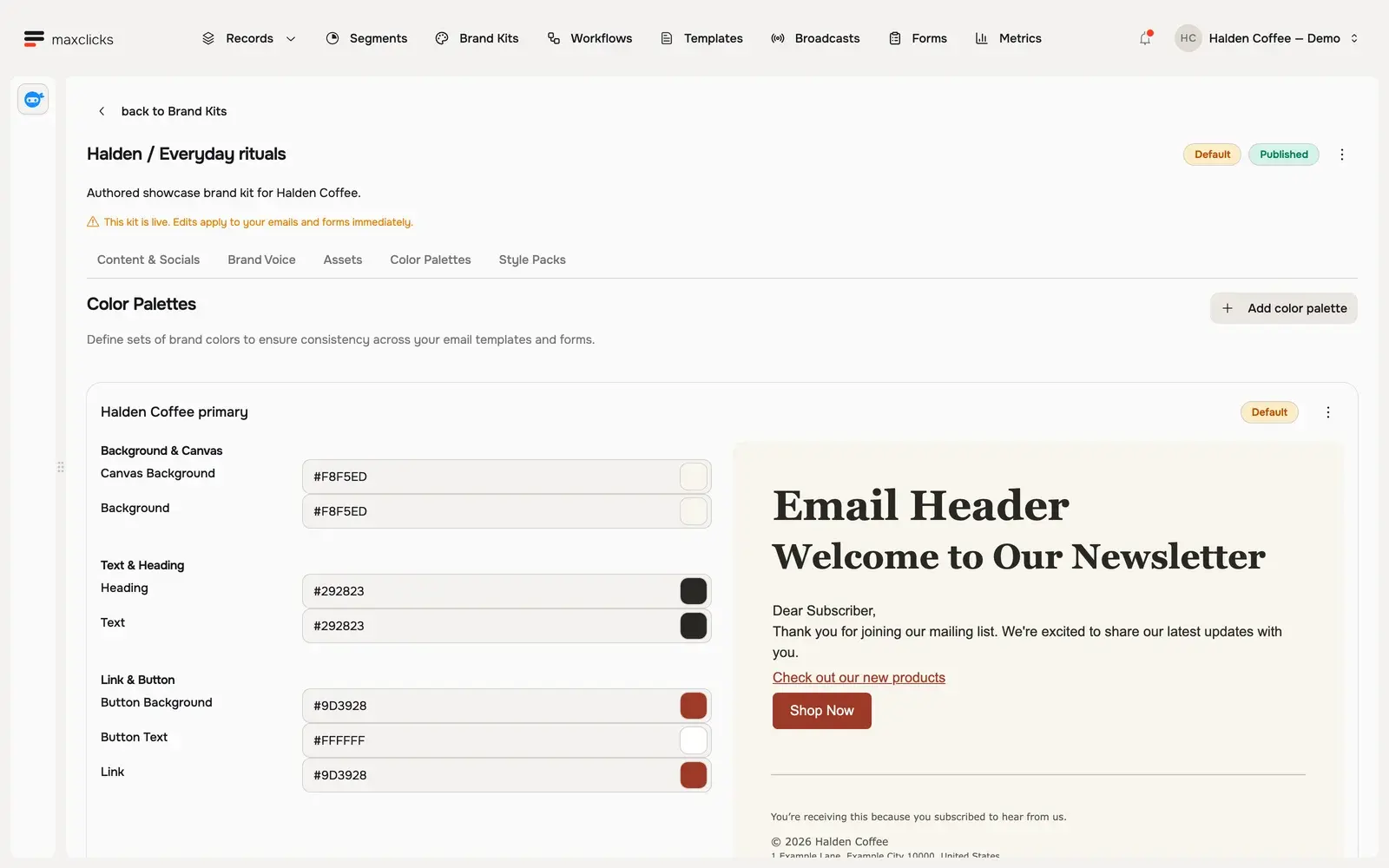
Inspect the published Halden brand kit. Open Color Palettes to review its colors, then Brand Voice to read the writing rules. Return to Content & Socials and its sample footer. The kit contains authored demo branding.
Halden demo · Color settings and their brand preview, side by side.
Your voice becomes working context.
The email agent receives the selected kit’s styles, assets, tones, values and writing rules. Ask it to build or refine an email around that identity, then inspect the resulting template and sample copy.
Ask onboarding to start from your website.
While initial setup is incomplete, maxinja can extract and publish a kit from your website. Open the result and refine the business facts, visual choices and voice before using it for a campaign.
Keep the right identity with each email.
One workspace brand can hold multiple kits. Agents work with the kit selected for the email; changing the workspace default does not silently switch an existing template to another kit.
In practice
Give the email a visual identity and a voice.
A brand kit gives the email agent an explicit visual and editorial context. The resulting template stays editable, with its chosen kit attached.
You bring
Your visual palette, typography and styles, assets, business description, tones, values and writing rules.
You do
Ask onboarding to extract a kit, or create and publish one yourself. Direct the email agent to use that kit, then inspect the resulting design and writing.
You get
A reusable published kit associated with your workspace brand and explicitly selected by individual templates.
Illustrative example · Halden Coffee
Keep Halden recognizable across three messages.
The starting context
Visual identity
Halden wordmark, coffee imagery and selected palette
Voice
Warm and unhurried
Writing rule
Use a specific reason to return; avoid invented urgency
Recipient context
Single origin, espresso or a previous gift
The task
Use the selected Halden kit for each email. Adapt the introduction to each recipient while keeping the authored brand structure and fixed Colombia Huila offer.
The result to inspect
The actual generated previews share Halden’s identity and the same offer. Each introduction uses a different purchase history. The kit supplies guidance; recipient previews let you judge the result.
Design rules and writing guidance travel together.
A kit can contain palettes, typography and style packs, asset collections, social and footer information, tones, values and writing rules. The selected branding becomes part of the context used for email creation and personalization.
Start manually or use onboarding extraction.
Set up the kit yourself, or ask maxinja to extract one from your website during initial onboarding. The extraction path publishes the resulting kit immediately. Review colors, images, business facts and voice guidance before using it in a campaign.
Choose an editor that fits the email.
Use Dynamic Composer for visual MJML layouts, Plain Composer for simpler HTML blocks, or MJML Code and HTML Code when you want to edit source. Templates support generated images as well as supplied assets; inspect the result and account for AI usage. Reference-image editing is not part of that promise.
Make selection and changes deliberate.
A workspace has one brand and can hold multiple kits. A template keeps its selected kit; changing the workspace default does not silently switch it to another kit. Inspect the template after editing its selected kit. Voice rules guide generation, but do not guarantee flawless tone or factual accuracy.