Your agents prepare the audience, message and send.
Ask the broadcast agent to build the campaign and set its schedule. Workflow agents connect email to customer signals, while REST and SMTP invoke stored templates. Domain, allowance and recipient checks still govern dispatch.
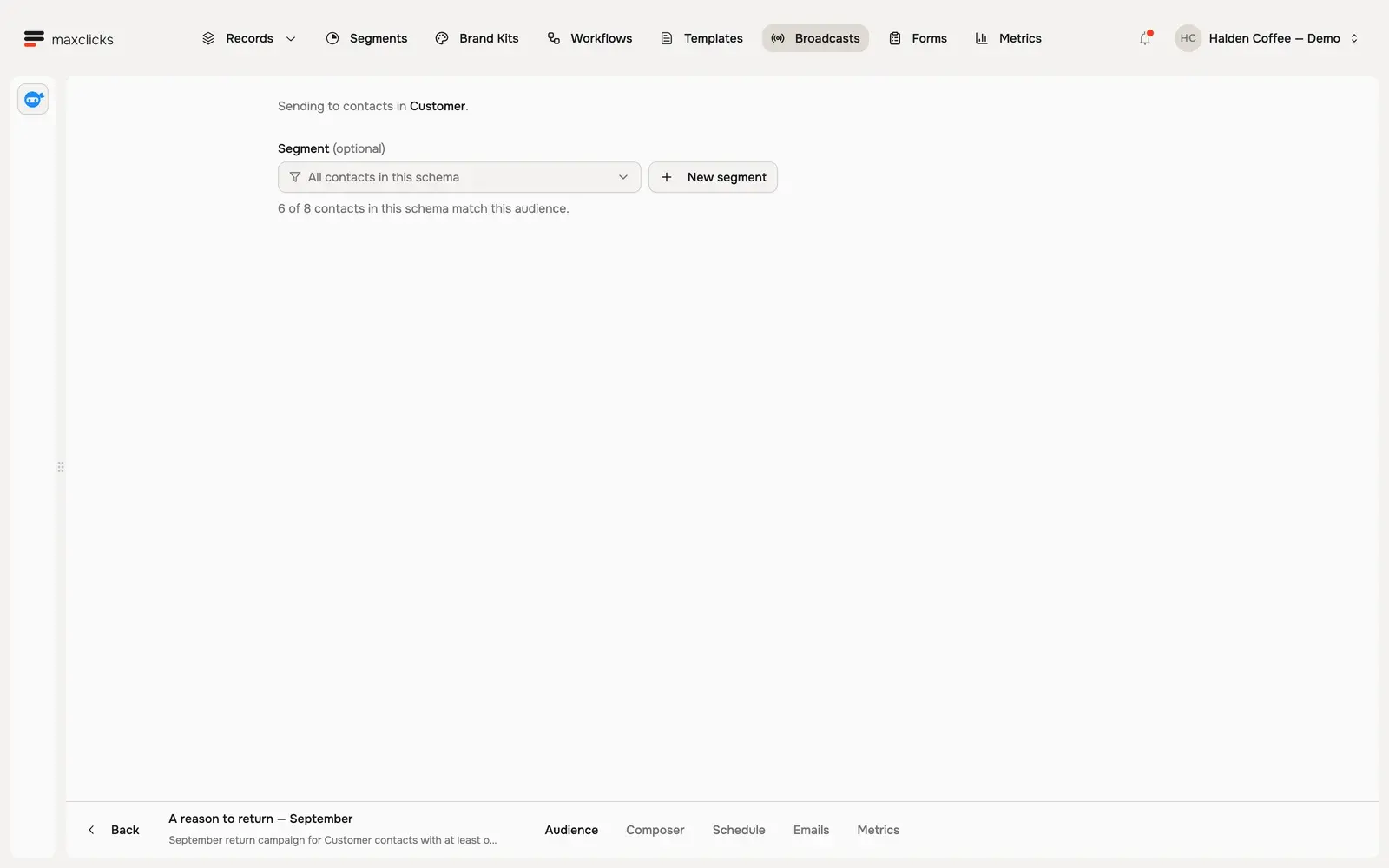
Open Halden’s actual audience, Marcus’s personal email and the campaign’s scheduling controls. The agent prepared the campaign and left it unscheduled for review.
Give the campaign brief
Bring past customers back with one Colombia Huila offer, using their purchase history. Ask the agent to prepare a draft.
Agents configure the work
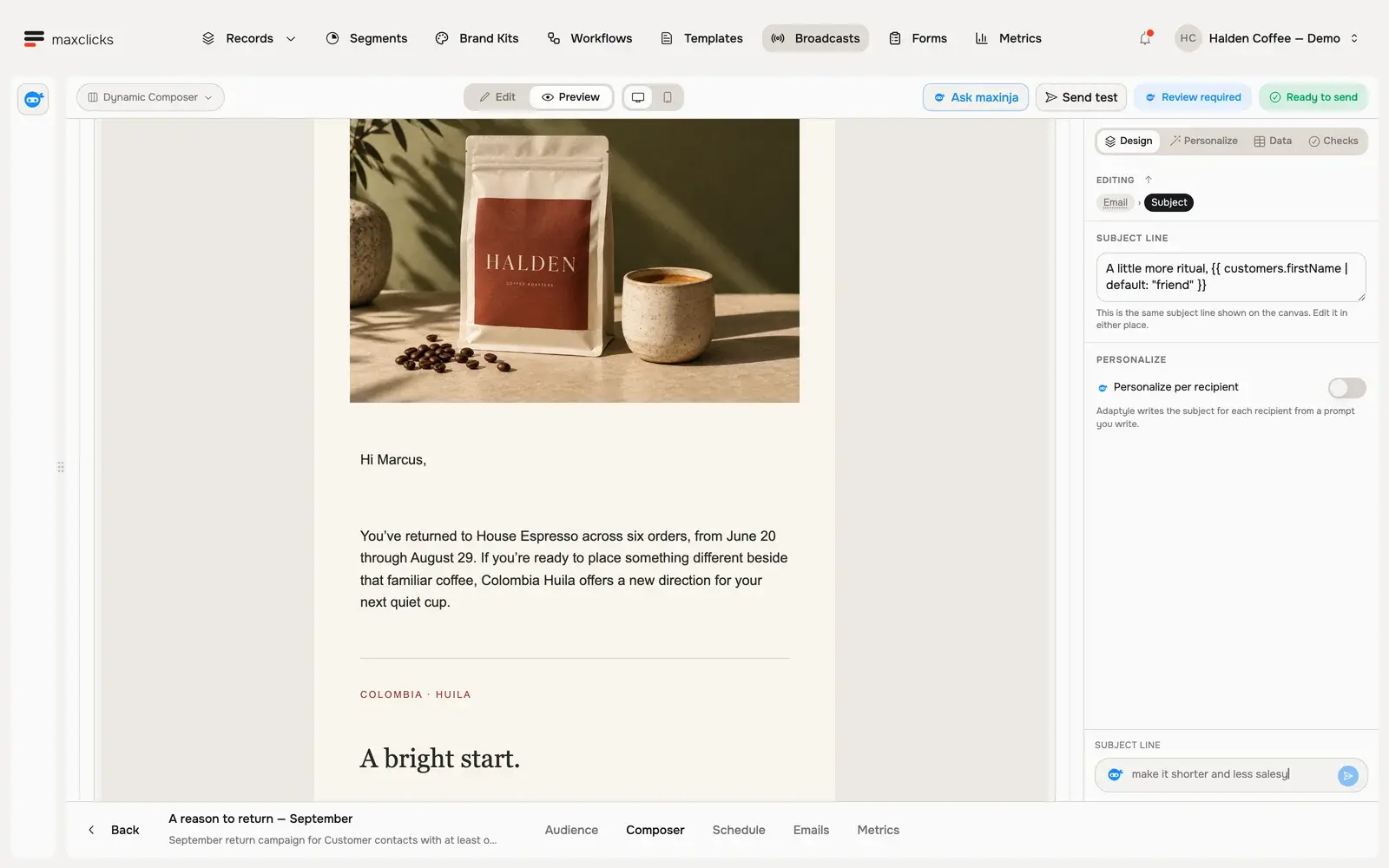
Six customers match the custom audience. The personal email uses the selected brand and customer context; consent and topic checks determine eligibility.
Choose the next step
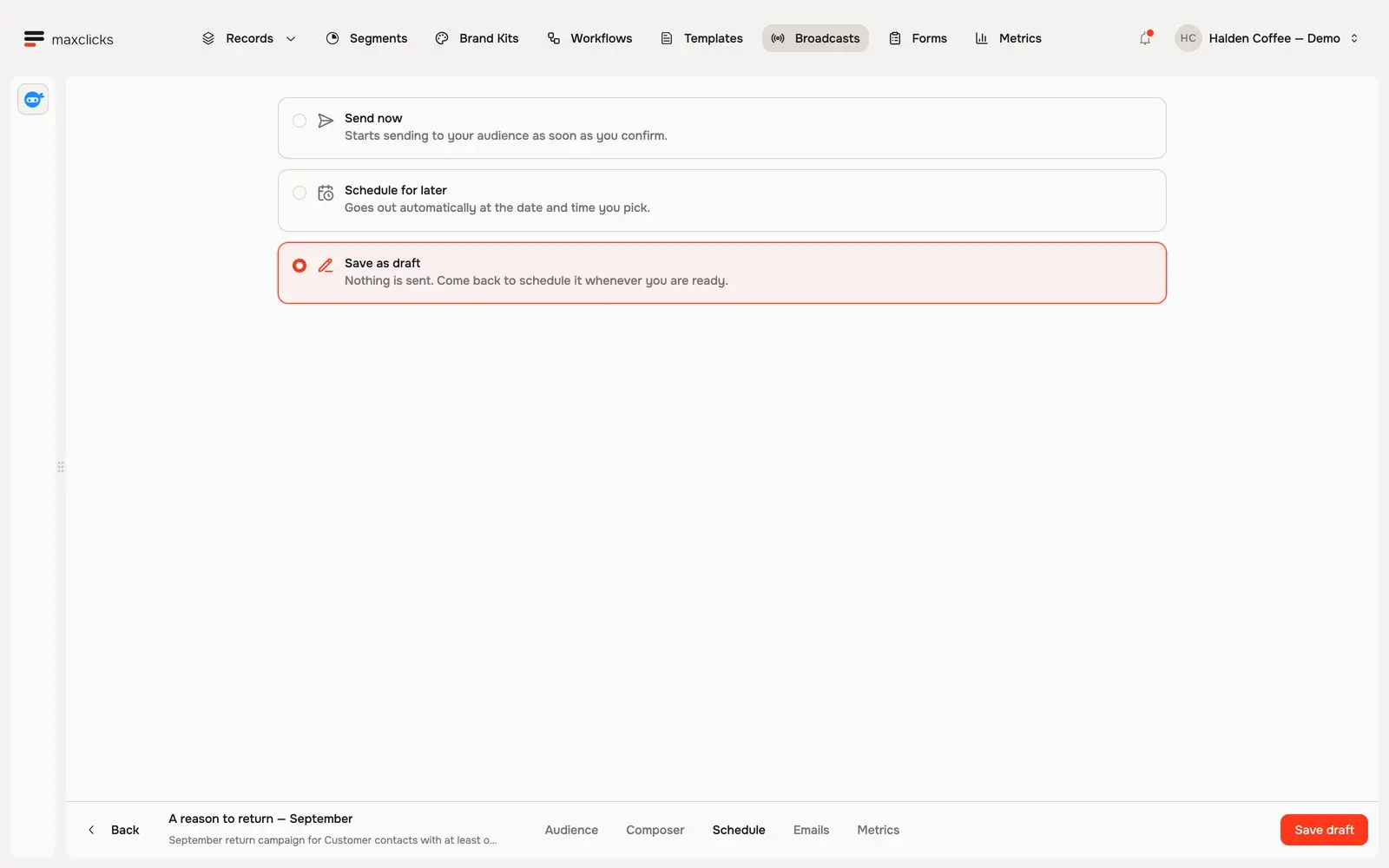
Inspect the preview and readiness assessment, then save a draft or choose a sending time. This recorded campaign stays an unscheduled draft.
Halden demo · Send now, schedule for later, or save as draft. This campaign remains unscheduled.
Set the campaign in motion through the agent.
The broadcast agent can build the audience and message, then configure scheduling. You can also ask it to leave the campaign unscheduled. A schedule expresses intent to send; the sending path still checks readiness and recipient eligibility.
Carry the same email into the next moment.
Ask the workflow agent to create an email step as part of a journey, or use REST and SMTP to invoke an authored template. The shared content and personalization mechanisms serve these different entry points.
See what the work requires and what happened.
Inspect available workload and sample AI cost assessments, then recorded recipient and email events. Some costs remain unknown until execution. Agents do not remove metering, domain verification or consent checks.
In practice
From contact capture to a recorded send.
Agents can configure the campaign, its content and schedule. Contact capture, recipient preferences and sending conditions remain explicit parts of the path.
You bring
A verified sending domain, sender, eligible recipients and a reviewed email template with the data it expects.
You do
Ask the broadcast agent to prepare or schedule a campaign, the workflow agent to configure an email step, or invoke an authored template through REST or SMTP.
You get
Recorded recipient outcomes and email events, plus itemized usage for the work performed.
Illustrative example · Halden Coffee
Prepare a personal return campaign.
The starting context
Audience
6 customers whose latest order is at least 14 days old
Message
Colombia Huila · $24 · a personal introduction
Mode
Marketing · Coffee notes topic
Campaign state
Unscheduled draft · nothing sent
The task
Prepare a return campaign using Halden’s brand and each customer’s purchase history. Keep the Colombia Huila offer and leave the campaign as a draft for review.
The result to inspect
The saved campaign has a working audience condition, a branded email with a generated Marcus preview and no sending time. Inspect the readiness assessment before choosing when to send.
Capture contacts with forms and consent choices.
Build a form with mapped contact fields, selected topics, consent wording and optional double opt-in. Publish a hosted page or use the embed output, inspect submission statistics, and unpublish when needed. Configure the form in its own builder; maxinja does not author it.
Choose campaign or application email.
The broadcast agent can build a custom audience, coordinate the email template and update scheduling. Broadcasts also support duplication and progress inspection. REST and SMTP invoke an existing stored template with its expected data; SMTP is not a general-purpose mail relay. Marketing and transactional modes apply different eligibility rules.
Check sending conditions and respect preferences.
Normal sends and test emails require a verified domain and available allowance. Marketing checks email subscription, any selected topic and suppression, and includes one-click unsubscribe. Double opt-in confirmation has a separate platform-sender path; it does not unlock ordinary sends before verification. These controls do not establish that consent was collected lawfully.
Inspect workload, cost and actual outcomes.
Draft assessments can show sample AI costs, sending capacity and incomplete estimates. They do not reserve capacity, cap the bill or promise a completion time. Stop-sending applies to remaining broadcast work, not mail already accepted. Use recorded delivery and engagement events for diagnosis; they do not measure attributed revenue or guarantee inbox placement.