Bring customer records through REST or CSV, then let maxinja investigate the context and build the campaign or workflow around it. Connect external signals and actions through supported API, webhook and SMTP paths.
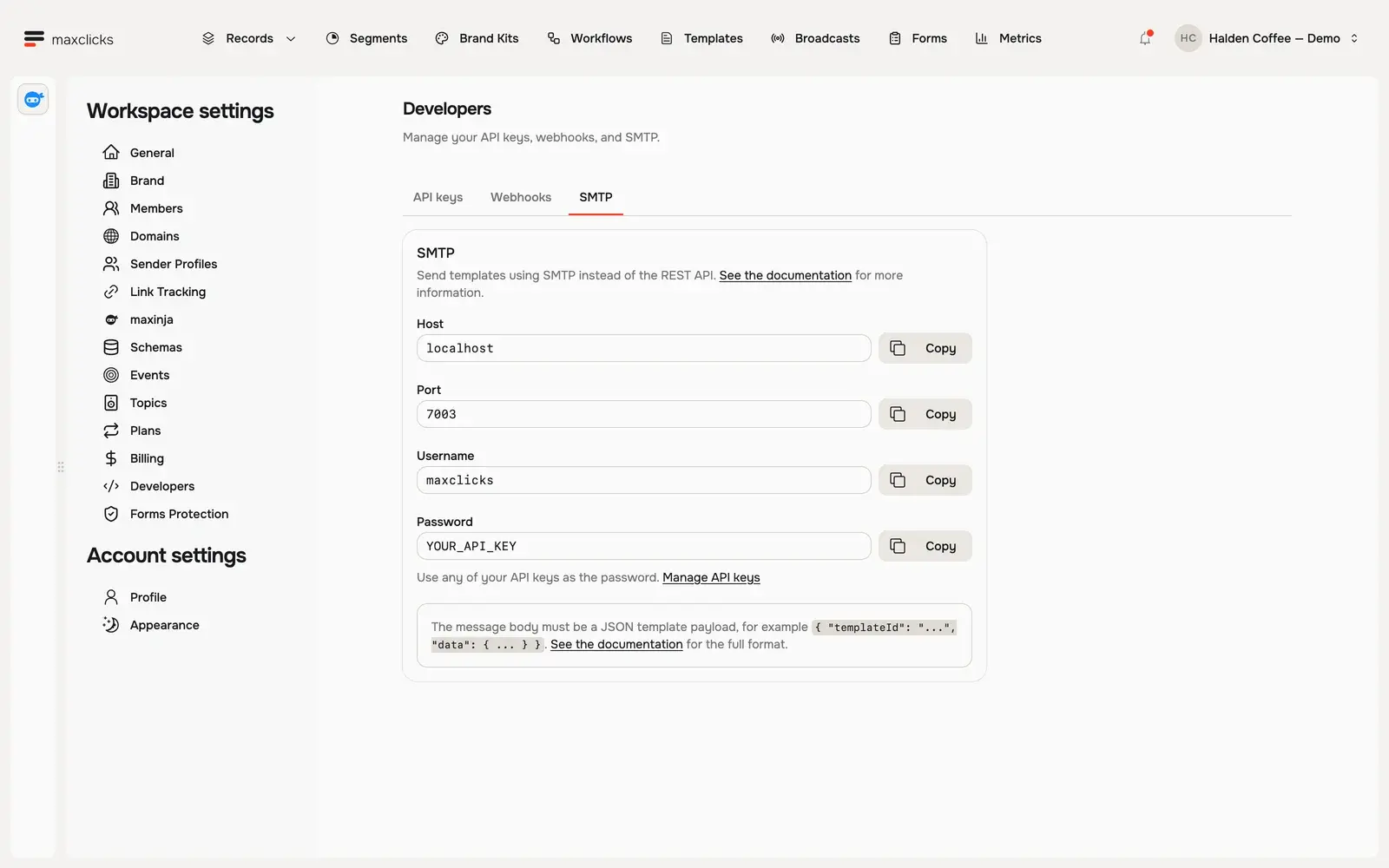
Halden demo · SMTP settings and the template payload contract. Use the connection details from your own workspace.Walkthrough steps
Inspect SMTP settings and the JSON template payload requirement, then open the API keys and Webhooks tabs and return to SMTP. The workspace has no API keys or webhook endpoints. YOUR_API_KEY is the app’s placeholder, not a credential; no send or external connection is made.
Give the agents a usable data contract.
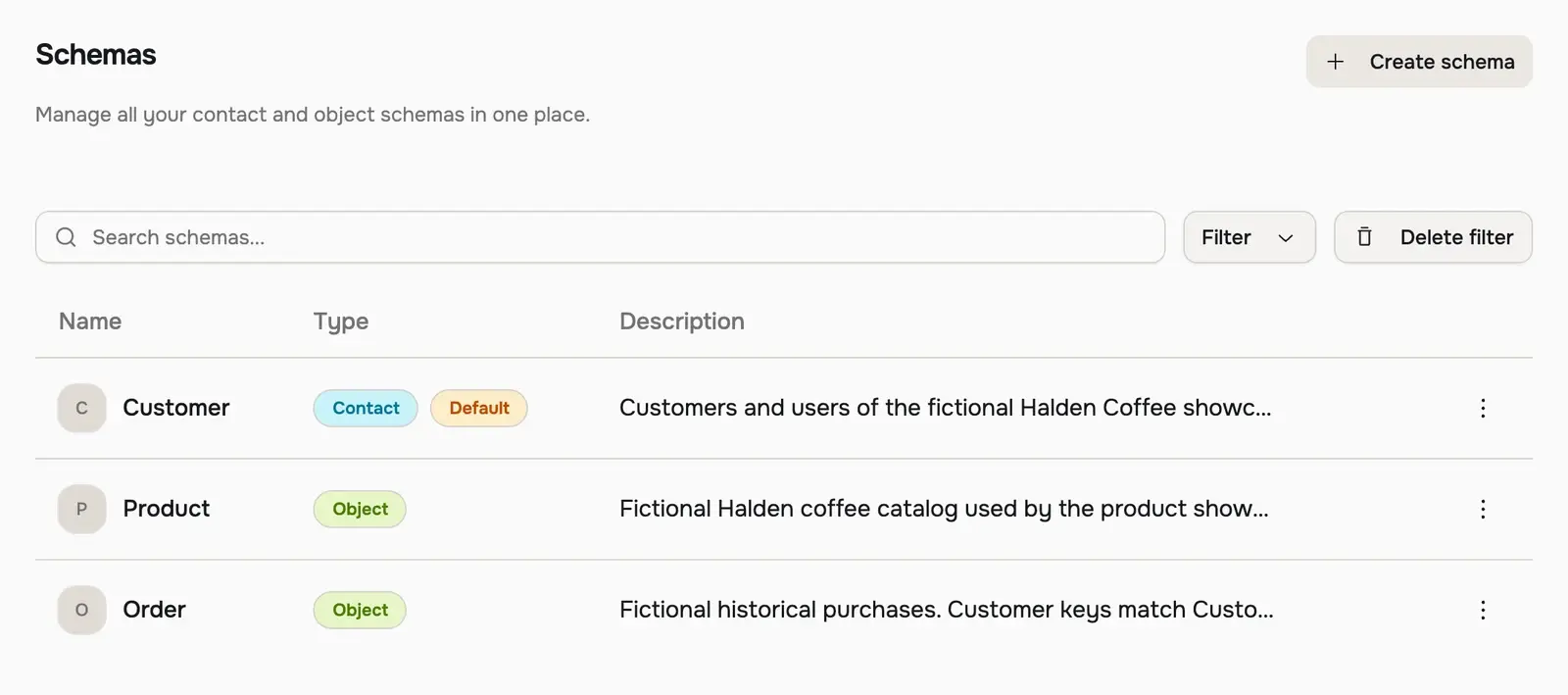
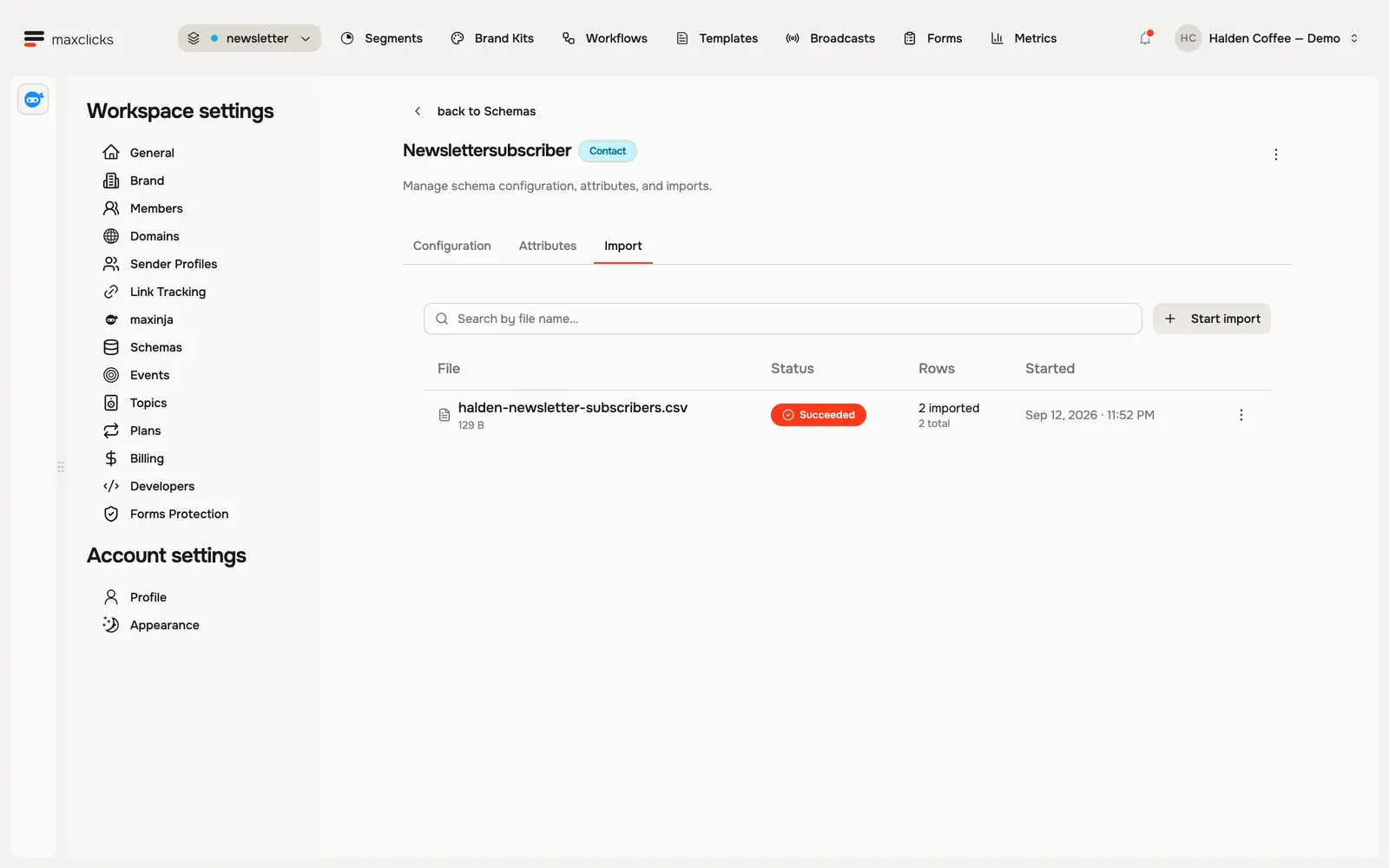
Define the records and fields your source supplies. During onboarding, maxinja can help create that initial model and plan a CSV import. Ongoing REST upserts or deliberate imports keep the workspace supplied with context.
Ask the workflow agent to connect the next action.
It can configure an incoming-webhook trigger or an HTTP step that calls an external endpoint. Inspect the expected payload and step configuration; integrations still need valid credentials and a reachable source or destination.
Confirm the connection before building around it.
Dedicated connectors for Attio, Segment, Shopify, Stripe, Supabase and Zapier are in development. Start with a supported REST or CSV path, and confirm how that connection will keep the data current before designing the campaign around it.
In practice
Choose a data path you can actually operate.
Agents can work with the data and connection points you configure. A clear input contract makes their resulting records, conditions and workflow actions inspectable.
You bring
A defined contact or object schema, stable source identifiers, the fields to synchronize and credentials for the intended connection.
You do
Use onboarding to help map initial data, then import or upsert the records. Ask the workflow agent to configure supported incoming hooks or outgoing HTTP actions.
You get
Records you can inspect in maxclicks, plus a configured path from an external signal to a workflow or stored-template send.
Illustrative example · Halden Coffee
Connect order data to a customer message.
The starting context
Source customer
halden-sarah · Sarah
Related order
O-204 · Colombia Huila · $24
Configured model
Customer and order schemas with an explicit relationship
Email contract
A stored template with the selected customer and order fields
The task
Upsert the customer and order into the configured schemas, then invoke the stored template with the data its contract expects.
The result to inspect
Inspect the saved records and the resulting template-send status. Record updates and email dispatch are distinct effects; do not assume retrying a request is the same as previewing it.
REST for the data and operations you expose.
Use authenticated API requests for supported records, events, segments, workflows and template operations. Configure schemas, fields, sending domains and authored template content in the product first. Review the exact endpoint contract, accepted values and validation warnings.
CSV when an export is the practical starting point.
Conventional imports use the schema’s existing field keys. During initial setup, maxinja can propose a mapping and show sample rows before the import starts. Inspect identity matching and results before relying on the data in an audience. A CSV export is a manual data path, not an automatically maintained store sync.
Webhooks and SMTP connect different jobs.
An incoming webhook can trigger a configured published workflow; outgoing webhooks or workflow HTTP steps notify an external endpoint. SMTP invokes a stored email template using the supported JSON data contract. That send may upsert records, so account for data changes as well as email behavior.
Confirm connector and SDK availability.
Attio, Segment, Shopify, Stripe, Supabase and Zapier connectors are in development. A growing commerce brand should confirm the actual setup and maintenance path before expecting a native store connection. Use REST documentation first; local SDK, CLI and MCP implementations do not establish a usable published install.
Native connectors are in development. Explore each integration’s intended data flow, then confirm availability with our team. REST and CSV are the starting paths today.