Start with your brand kit.
Bring your logo, assets, palette, typography and writing guidance. Dynamic Composer inherits the styles you haven’t overridden, and code can reference brand values with Liquid.
Explore brand kits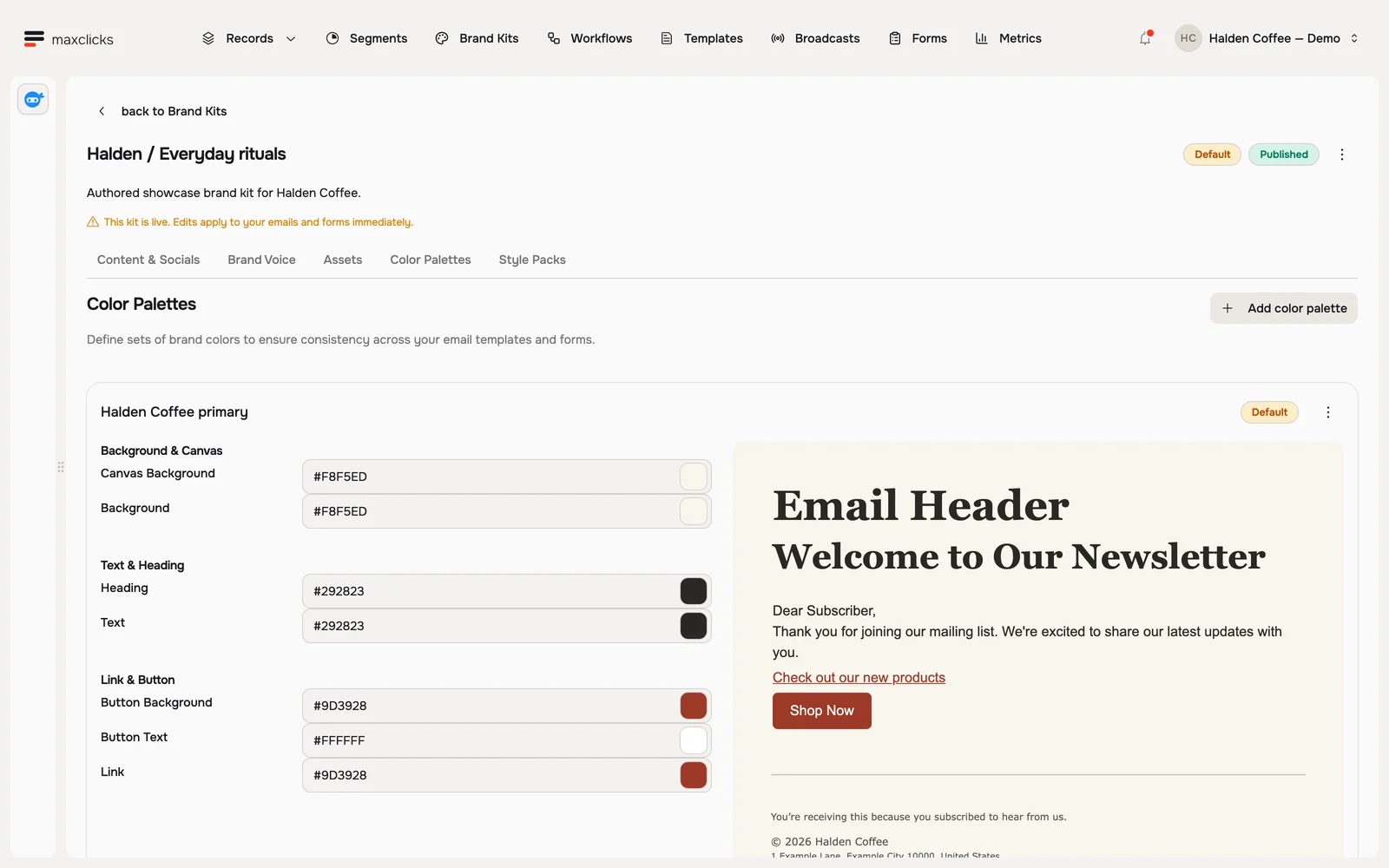
Email editors
Build visually or work in code. Bring your brand, customer data and Adaptyle into the message.
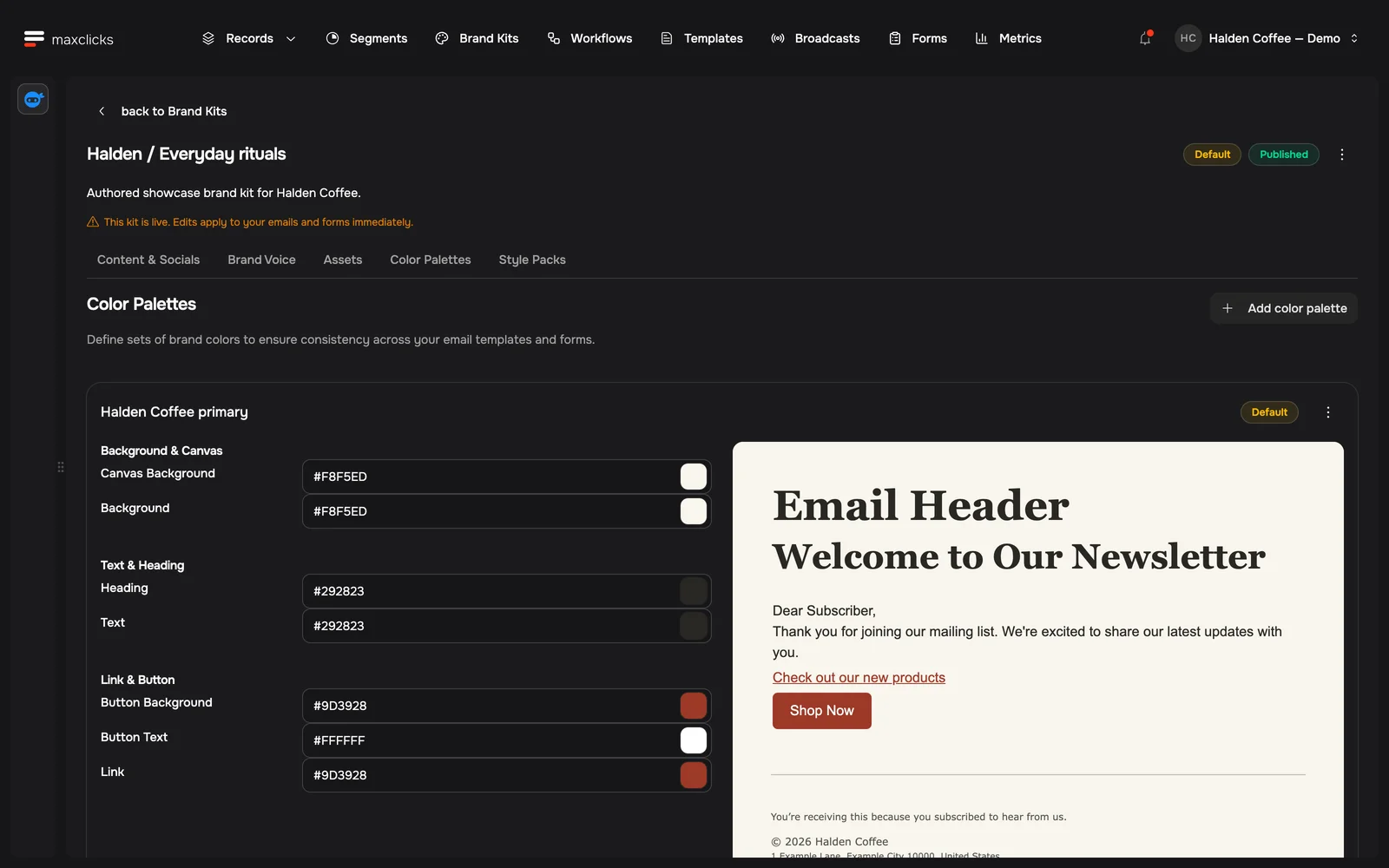
Halden · A reason to returnArrange a responsive email with sections, images, text and buttons.
Open full captureLoopwell wants new users to create their first project. The layout and the button stay the same. Adaptyle turns each person’s role and goal into a useful place to start.
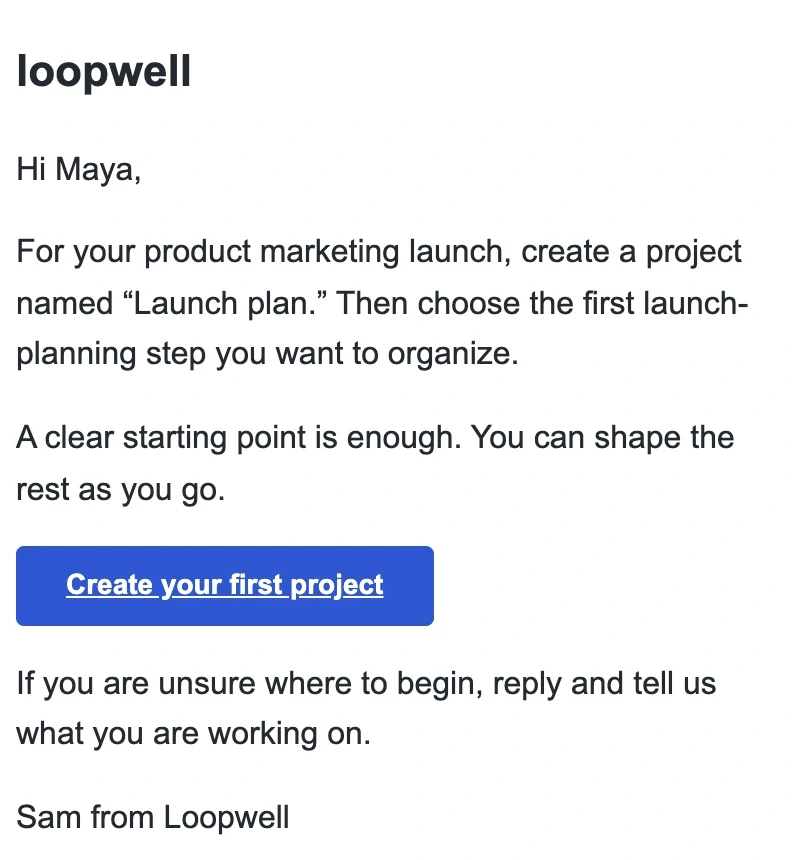
Saved preview: the instruction uses Maya’s role and goal to suggest a first project. Fictional records; no email was sent.
Choose the identity behind the email and the records it can use, then preview the result with a real sample before sending.
Bring your logo, assets, palette, typography and writing guidance. Dynamic Composer inherits the styles you haven’t overridden, and code can reference brand values with Liquid.
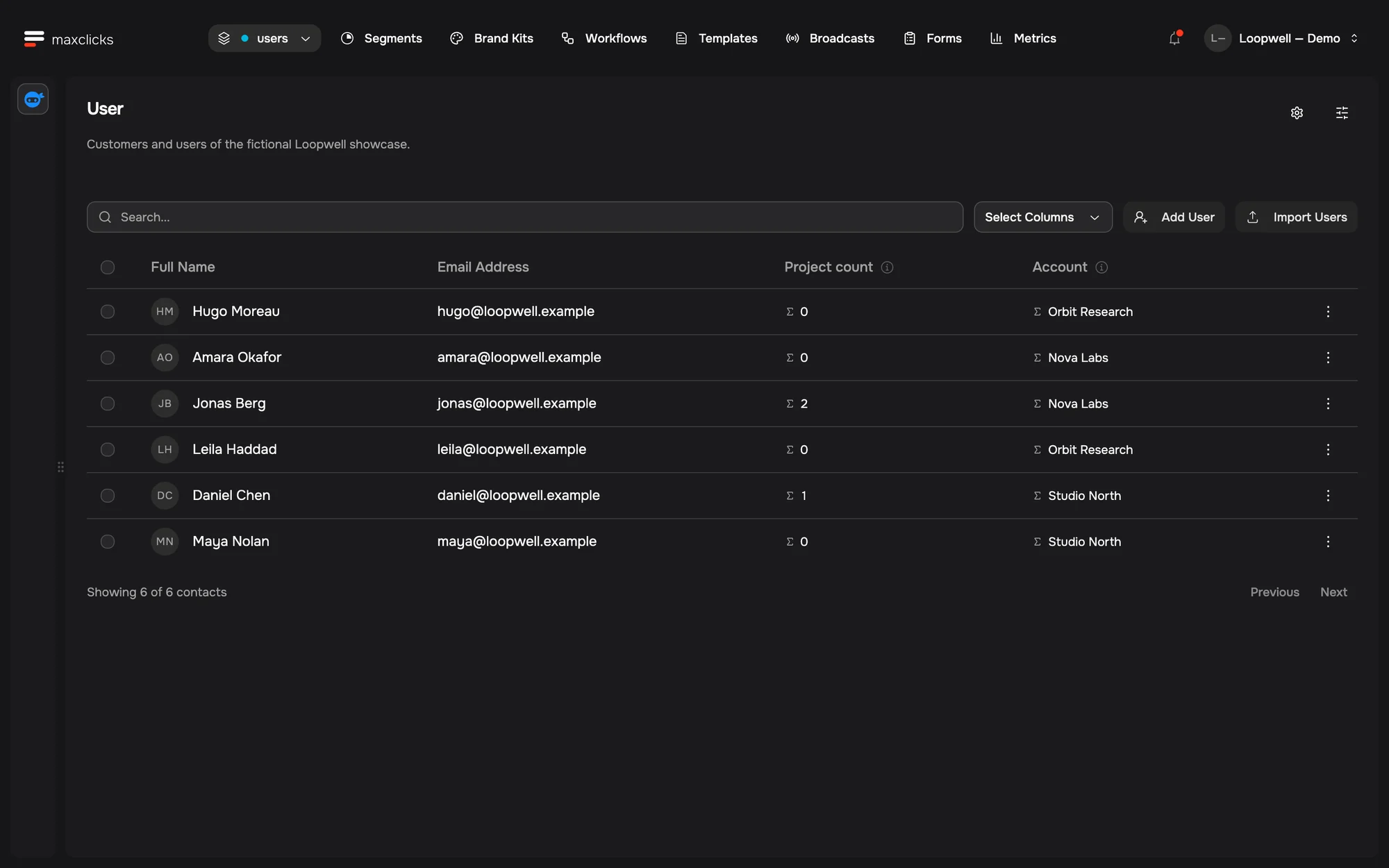
Explore brand kitsUse a person’s fields and their related accounts, projects or orders. Pick a record or edit sample JSON to check another case. Preview data never changes the customer’s record.
Explore customer data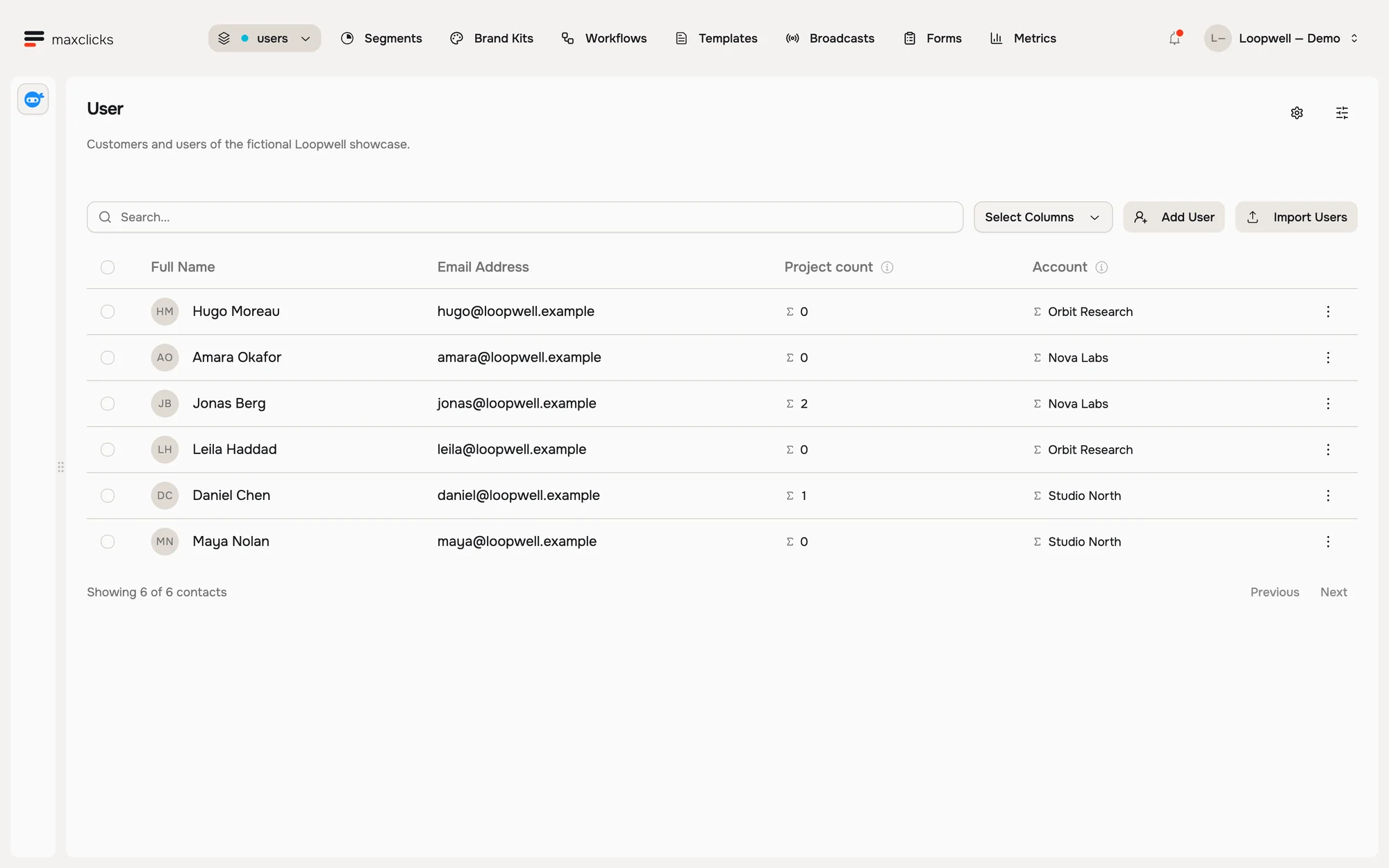
Use Liquid for names, account details and links. Use Adaptyle for the passage that needs to be written for each person. Both work in all four editors.
How Adaptyle worksBody HTMLLiquid and an Adaptyle instruction
1<p>Hi {{ users.firstName | default: "there" }},</p>
2
3<<<
4  Suggest a first project from users.role
5  and users.useCase. If context is missing,
6  suggest naming one thing to organize.
7  Don’t invent features.
8:::
9  Start with one thing you want to organize.
10>>>
11
12<a href="https://loopwell.example/projects/new">
13  Create your first project
14</a>
See what maxinja and Adaptyle can build for your customers.
Book a demo