Invite your teammates
Learn how to invite people to your space by email and choose the right role for each one.
On this page
Invite the people who will build campaigns or manage your workspace. Choose their role before adding them: existing maxclicks users get access immediately.
Who can invite
You need administrative access. A full Admin can assign any role. A Non-paid Admin can assign Member or Non-paid Admin, but cannot add, change or remove a full Admin.
Invite a member
- Open Settings → Members → Invite team members.
- Enter the person's work email address. You can paste multiple addresses separated by commas, spaces or new lines.
- Choose a role under Invite as.
- Click Send Invites.
Email invites and invite links
Existing users join the workspace immediately. New users receive an invitation link valid for 14 days; send another invitation if it expires. Personal email addresses such as Gmail and Outlook are rejected, so use the address at their company domain.
The roles
- Member: builds audiences, records, emails, forms and workflows, and sends campaigns.
- Admin: does that work and manages members, settings, billing and integrations.
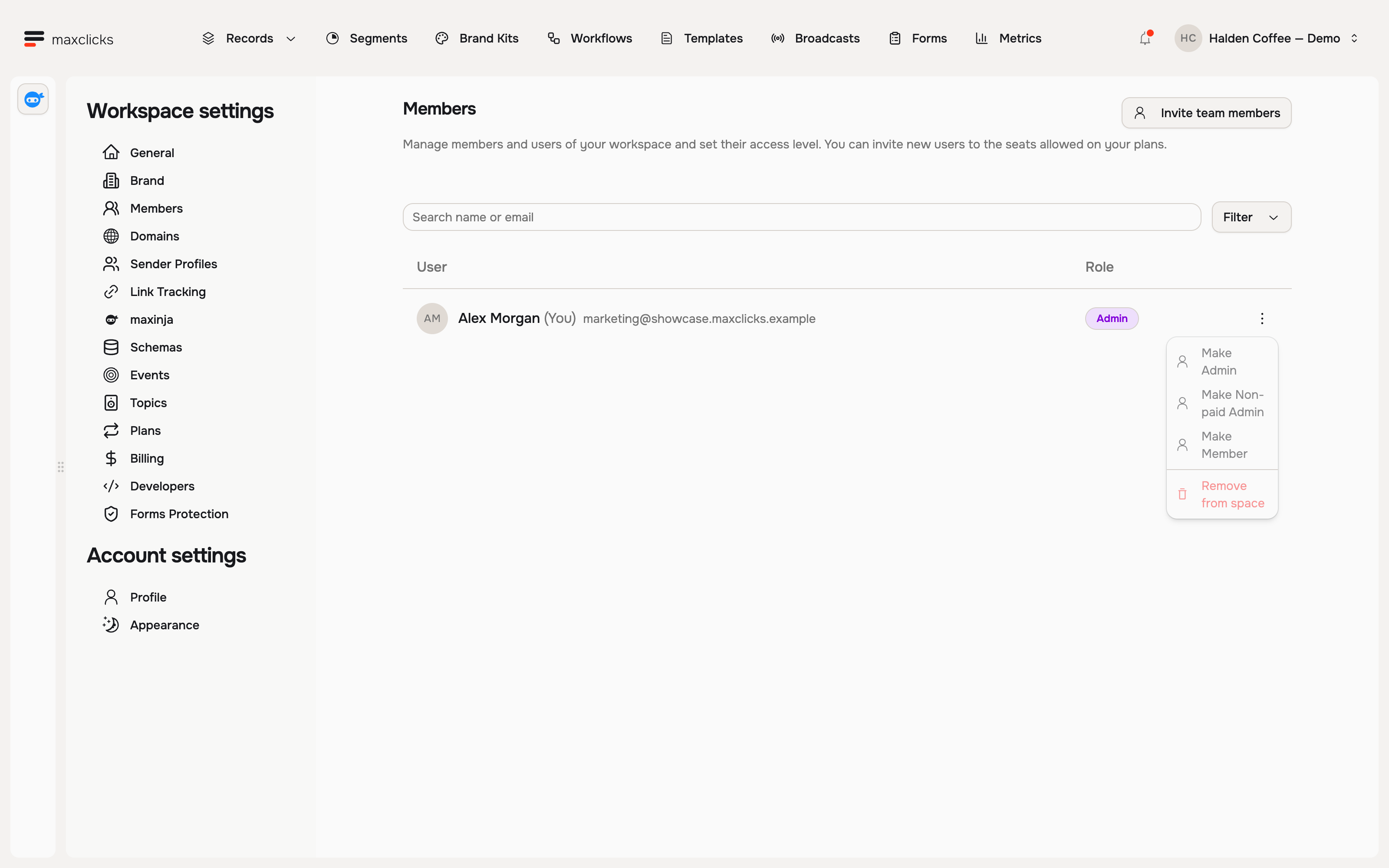
- Non-paid Admin: handles billing and permitted administration without campaign editing or sending. Removing suppressions and other ordinary write actions require editing access.
Non-paid Admin is an administrative role, not a view-only reviewer role. Roles control permissions. Collaborators and maxinja access have no per-seat charge, while paid AI work uses the shared workspace wallet. Free has no subscription charge.
Change or remove access later
Use the member's row menu. You cannot change your own membership here or remove the last membership with administrative access. A Non-paid Admin cannot change or remove a full Admin.
Removing someone takes away their access, while work already created stays in the workspace. Review the selected workspace and saved role after making a change. The full membership guide explains access and API keys.
Did this article answer your question?